
Choosing a Character and Filling Colors
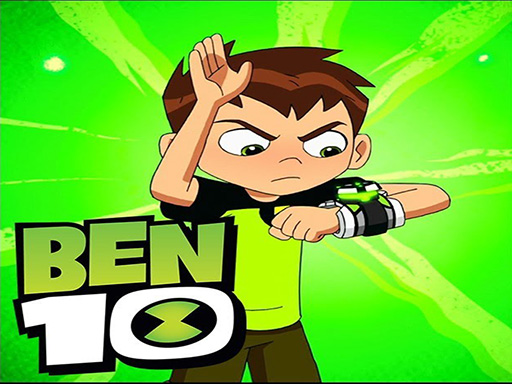
Players begin by selecting a Ben 10 alien character from the available coloring pages. Each page presents a line drawing ready to be filled. Using a mouse or a finger on a touchscreen, you choose a color from the palette and tap or click on the areas you want to color. The interface is built for simplicity, so even young children can work without adult help. The goal is not to beat a clock or earn points, but to complete a colorful picture that reflects your own choices.
Tools for Flexible, Low-Pressure Play
There are no timers or scores in Ben 10 Creative Coloring Adventure, which removes the pressure of performance. You can undo your last action if a color goes somewhere you did not intend. Colors can be changed at any time, so experimenting with different combinations is encouraged. Once a picture is finished, you can save the artwork to your device to keep or share. This open structure means sessions can last as long as you want, from a quick color swap to a full page.
Who This Coloring Activity Suits
The game is designed as a safe, family-friendly experience for young fans of the Ben 10 universe. Because it relies on simple pointing and tapping, it works well for children who are still developing fine motor skills. Adults who enjoy coloring as a quiet break may also find it useful. The absence of competition or failure states makes it a low-stress option for creative play at home or in a classroom setting.







Comments
0 comments