
Scanning Planets for Science
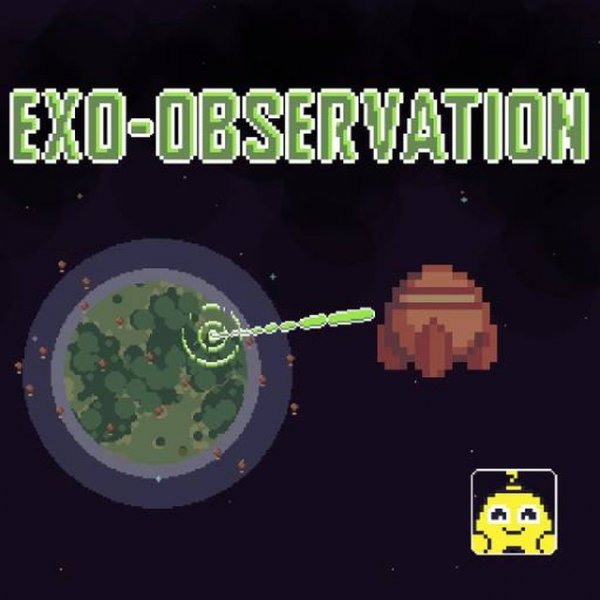
In Cosmos Discovery: Planet Scanner, you control a shuttle navigating a colorful galaxy. Your main activity is approaching planets and initiating scans to gather resources for scientific research. Each scan yields data that you must collect in specific quantities to fulfill tasks. The game presents a menu of current objectives, and completing them in order unlocks further progress. The loop is straightforward: fly to a planet, scan, collect, and repeat. As you advance, the difficulty rises, and the resources you gather become more valuable.
Building and Managing Resources
Collected resources serve a clear purpose: constructing a drone warehouse. Once you have enough materials, on-screen prompts let you build this structure, which expands your storage capacity for future findings. This adds a light strategic layer—deciding when to scan versus when to build—without overwhelming complexity. New tasks appear in a corner of the screen, and following them sequentially keeps your progress on track. The game never demands complex inventory management; it focuses on steady, incremental growth.
Controls and Accessibility
Interaction relies entirely on simple clicks and selections. You click to move the shuttle, click to scan, and click to build when prompted. This makes the game easy to pick up for any age group. Full-screen support and responsive design ensure it works on PC, mobile phones, and tablets. The family-friendly theme means no violent or mature content, so it is suitable for younger players. The visual style is bright and space-themed, though specific graphical details are not described in the source material.
Progression and Challenge
As you complete tasks, the game gradually increases difficulty. Early scans require fewer resources; later ones demand more or introduce new planets with higher yields. The value of collected resources grows, making each successful scan feel more rewarding. There are no time limits mentioned, so you can proceed at your own pace. The challenge comes from managing your shuttle's movements efficiently and keeping up with the task list. This structure suits players who enjoy relaxed exploration with a clear sense of advancement.








Comments
0 comments