Exo Observation Space Explorer
Runs in your browser — no download.
Reviews
Exo Observation Online Game delivers a polished space scanning experience. The click-based mechanics are easy to learn, and the progressive difficulty keeps you engaged. Collecting resources and building drone warehouses adds a satisfying layer of strategy. It runs smoothly on all devices, making it ideal for quick gaming sessions. The family-friendly design ensures safe play for children and adults alike. While the gameplay is straightforward, the increasing rewards provide motivation to continue exploring. Overall, a charming and replayable arcade game for casual players.
Description
Game Introduction
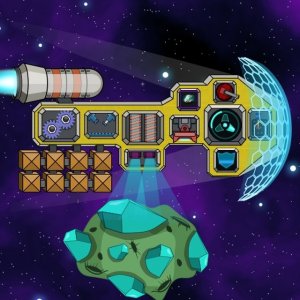
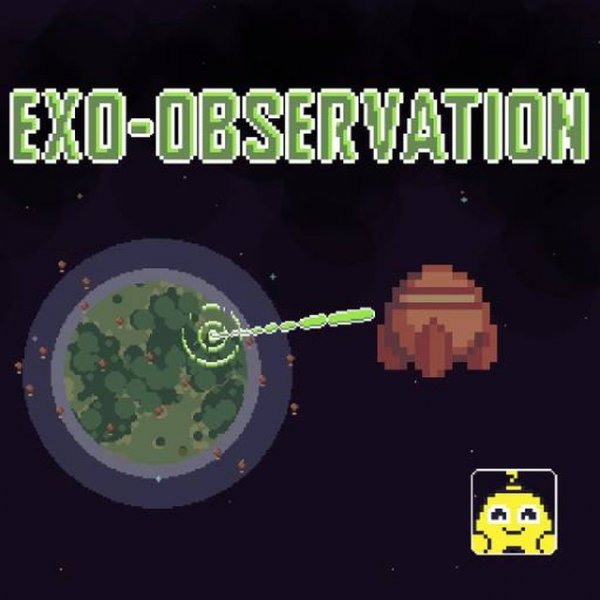
Exo Observation Online Game invites you to explore the cosmos from your browser. Developed by Super Turbo Society, this HTML5 game runs smoothly on PC, mobile phones, and tablets. Your mission is to pilot a shuttle to various planets, scan them for scientific study, and gather valuable resources. As you advance, you can build a drone warehouse to store your findings. The game features progressive difficulty, with loot increasing at each level. Designed for all ages, it offers a safe, family-friendly experience with no violence or inappropriate content. Full-screen support and responsive design ensure a seamless adventure wherever you play.
How to Play
Begin by clicking on dialogue boxes to skip them. When your shuttle reaches a planet, click on it to initiate a scan. Use the drop-down menu to view your current tasks. To complete a level, click the plus icon. As you progress, the loot value increases. Collect 60 resources by clicking, then build a drone warehouse by clicking on white outlines and the plus icon. Read new tasks in the upper right corner and complete them one by one to advance further. The controls are simple and intuitive, making it easy for anyone to start playing immediately.
Game Features
Simple click-based gameplay suitable for all ages. Progressive difficulty keeps challenges engaging. Resource collection and base building add depth. Full-screen support on any modern browser. Works on PC, mobile phones, and tablets. Family-friendly theme with no violent or mature content.
Tips for Success
To maximize your progress, focus on completing tasks in the order they appear. Collect resources efficiently by clicking rapidly when near a planet. Build your drone warehouse as soon as you have enough resources to store more findings. Read each new task carefully before proceeding. Take advantage of the full-screen mode for a more immersive experience. Practice the click controls to improve your speed and accuracy.