
Delivery Under Pressure
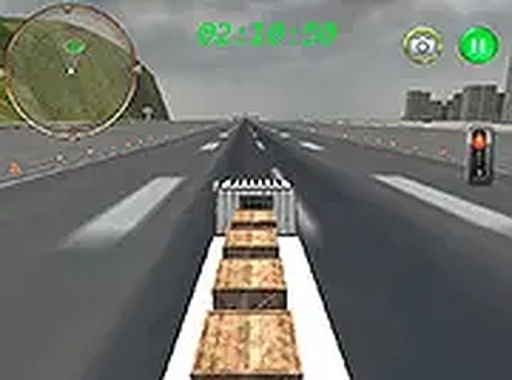
In Cargo Run: Airport Transport, you sit behind the wheel of a large transport vehicle. The job is simple to state: collect cargo from a starting point and drive it to a designated airport facility before a countdown reaches zero. There are no checkpoints, so a single mistake or a slow stretch can end the run. The timer stays visible, giving constant feedback on how much time remains. If the clock expires or the cargo is lost, the run ends and you can restart with a different approach.
Handling a Shifting Load
This is not a racing game. Speed alone will not get the cargo to the airport intact. The vehicle responds to weight shifts, meaning sharp turns or sudden braking can cause the load to move or fall. A stability indicator on the screen shows how secure the cargo is at any moment. When that indicator drops, it signals that the load is at risk, prompting you to ease off the accelerator or adjust steering. Success depends on balancing forward momentum with careful handling.
Route Planning and Repeat Attempts
The road to the airport is clearly laid out, but choosing the most efficient path can save precious seconds. Each delivery run is a fresh chance to refine your approach, whether by improving driving technique or picking a better route. Runs are self-contained and typically last a few minutes, making the game suitable for short sessions. There are no persistent upgrades or progression systems, so every attempt resets the challenge. Because the physics model responds to speed and weight, no two runs feel exactly the same.
Controls and Access
Cargo Run: Airport Transport is designed for desktop play using keyboard or mouse input. Controls are intuitive, so new players can start driving without a complex tutorial. The interface stays minimal, showing only the timer, cargo status, and basic driving information. As a browser-based title, it requires no downloads or installations and runs on most modern browsers. Full-screen mode is available for a more focused experience.







Comments
0 comments