
How the Path Rotation Works
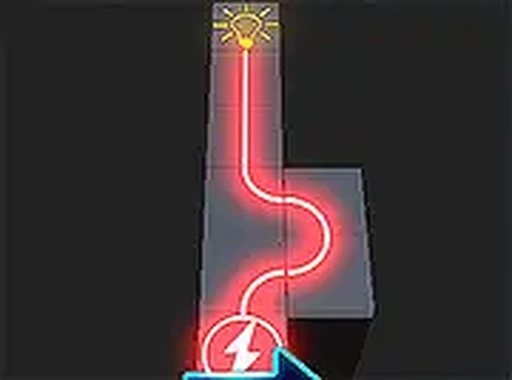
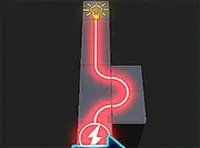
Every block on the grid holds a segment of a path. Clicking or tapping a block rotates it, changing the direction its segment points. The goal is to arrange all segments so they form one continuous route from the starting point to the endpoint. When the route is complete, the board lights up — a clear visual signal that the puzzle is solved. There is no timer and no move counter, so you can rotate blocks as many times as you need without penalty.
Reading the Board Before You Click
Because mistakes cost nothing, the real skill lies in observation. Scanning the whole board first reveals which blocks have fixed orientations and which are free to rotate. Starting from the edges or corners often helps, since those blocks have fewer possible connections. If a section refuses to connect, rotating a block through its other positions shows how the path changes, making it easier to spot the correct alignment.
Difficulty That Grows Without Pressure
The game increases difficulty gradually, introducing more blocks and more complex path layouts as you progress. That steady ramp keeps the challenge engaging for casual players and puzzle enthusiasts alike, without the frustration that timers or move limits can create. Full-screen mode is available for a larger, more focused view of the grid.
Controls and Platform
Path Connection Puzzle is designed for desktop play and works best with a keyboard or mouse. The one-click rotation system means there is nothing to learn before you start — the entire interaction is clicking blocks to turn them. The game is free to play in a browser, making it a family-friendly activity that supports spatial reasoning and problem-solving in a relaxed setting.




Comments
0 comments