
Learning Through Visual Cues
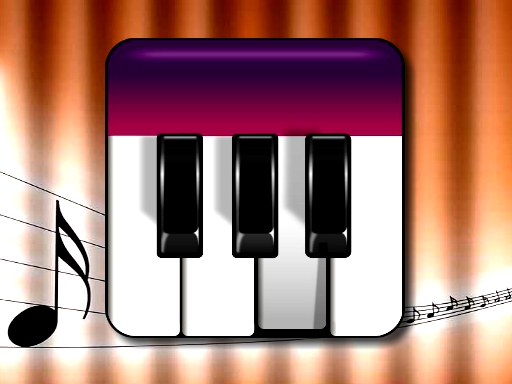
Piano Music Box presents notes on screen that correspond to piano keys. Players press the matching keys to follow along with pre-loaded tunes. The game provides visual cues and gentle feedback, so mistakes don't interrupt play. This approach helps players internalize rhythm and melody without the pressure of traditional lessons. The interface is colorful and intuitive, making it accessible even for those who have never touched a piano before.
Play Modes and Creative Freedom
Two main modes structure the experience. In song mode, players choose from a variety of tunes and play along by matching the displayed notes. In free-play mode, there are no prompts—players tap keys in any order to compose their own music. This mode encourages experimentation and self-expression, turning the game into a tool for creativity rather than strict instruction. Both modes share the same responsive design, so switching between them feels seamless.
Adjustable Difficulty and Platform Support
Difficulty can be adjusted to match the player's comfort level, allowing beginners to start with simpler patterns and more experienced players to tackle more complex songs. The game runs on desktop, tablet, and mobile devices, with a responsive layout that adapts to different screen sizes. This cross-platform availability means progress isn't tied to a single device, and the game can fit into short breaks or longer practice sessions.
A Supportive Environment for All Ages
Piano Music Box is designed for both children taking their first musical steps and adults revisiting piano playing. The game avoids strict grading or time limits, focusing instead on exploration and enjoyment. This makes it suitable for family play or solo practice. The core objective is to build familiarity with piano basics through repetition and play, not to replace formal instruction. Players can progress at their own pace, with the game adapting to their individual needs.






Comments
0 comments