Princess Flower Craft Game
Runs in your browser — no download.
Reviews
Princess Eternal Life Flower Online Game provides a soothing creative experience. The drag-and-drop design is intuitive, allowing players of all ages to build unique flowers. The variety of petals, stems, and leaves encourages experimentation, and the magical bloom animation is a nice reward. There is no pressure, making it ideal for relaxation. The ability to save and share creations adds replay value. It is a well-crafted, family-safe game that promotes creativity without complexity.
Description
Game Introduction
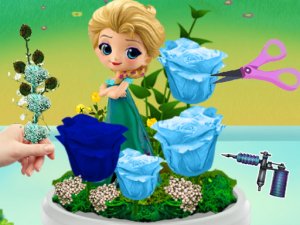
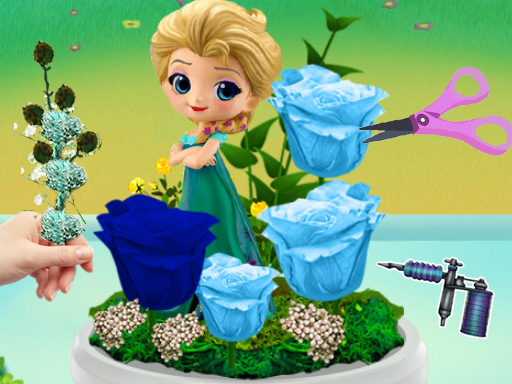
Princess Eternal Life Flower Online Game invites players into a peaceful garden where creativity takes center stage. The goal is to craft a flower that never fades for a kind princess. Players select from a wide palette of petals, stems, and leaves, then arrange them on a canvas. The simple drag-and-drop mechanics make it accessible for young children and adults alike. Once the flower is complete, it glows with a magical animation, rewarding the player's effort. There are no timers or scores, only the joy of making something beautiful. This game encourages artistic expression and provides a calm escape from daily routines. It is designed to be inclusive, with bright colors and intuitive controls that require no reading or complex instructions. The experience is purely about creating and sharing, making it a wonderful choice for family playtime or solo relaxation.
How to Play
Start by selecting a stem from the options provided. Drag it onto the canvas and position it where you like. Next, choose flower petals in your favorite colors and shapes. Drag each petal onto the stem to build the bloom. You can layer petals to create a fuller look. Add leaves to the stem by dragging them into place. The game lets you rotate and resize elements for precise placement. Once you are satisfied, click the bloom button to see your flower come to life with a gentle glow. You can save your creation to a personal gallery or share it with friends. The entire process is guided by on-screen hints, so even first-time players can start immediately. There is no right or wrong way to design, encouraging experimentation and fun.
Game Features
Creative crafting with a wide variety of flower parts. Colorful and vibrant graphics that appeal to all ages. Easy drag-and-drop controls suitable for young children. No time limits or pressure, allowing relaxed play. Save and share your flower creations with others. Family-friendly content with no ads or in-app purchases. Works smoothly on desktop and mobile browsers. Encourages creativity, fine motor skills, and color recognition.
Tips for Success
Experiment freely with different petal shapes and colors to discover unique combinations. Layering petals can add depth and make your flower look more realistic. Use the rotate and resize tools to fine-tune the placement of each element. Take your time—there is no rush, so enjoy the creative process. If you are unsure, try looking at real flowers for inspiration. Save your favorite designs to your gallery to track your progress. Sharing your creations with friends can provide encouragement and new ideas. Most importantly, have fun and let your imagination guide you.