
Building Your Cartoon Scene
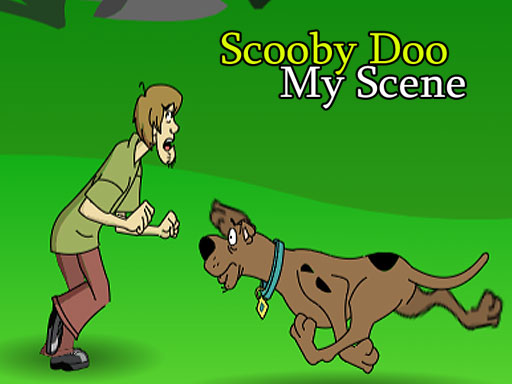
Scooby Doo Creative Scene Maker puts you in the director's chair. The process starts by selecting a background from a menu at the top of the screen. After that, you drag characters such as Scooby and Shaggy onto the scene. Props and other items can be added the same way. Every element you place can be moved, resized, or removed by clicking on it, so you have full control over the final composition. There are no reading requirements or complex steps, which makes the tool accessible even to younger players.
How Your Scene Comes to Life
Once you finish arranging characters and props, the game automatically animates the scene. You do not need to set keyframes or press a separate play button. The animation is generated from your static arrangement, turning a still collage into a short moving cartoon. This immediate feedback loop keeps the focus on experimentation rather than technical setup. Because the interface relies on drag-and-drop, you can quickly swap backgrounds or reposition characters and see the result without navigating menus.
Designed for Creative Exploration
The game includes a variety of backgrounds, characters, and props drawn from the Scooby Doo franchise. You can mix and match these elements to recreate familiar moments or invent new mystery setups. The clicker tag reflects the simple, repetitive interaction of placing and adjusting items. There is no scoring system, timer, or fail state. Instead, the value comes from open-ended play: trying unexpected combinations, adjusting sizes, and sharing the finished animated scene with friends or family.









Comments
0 comments