
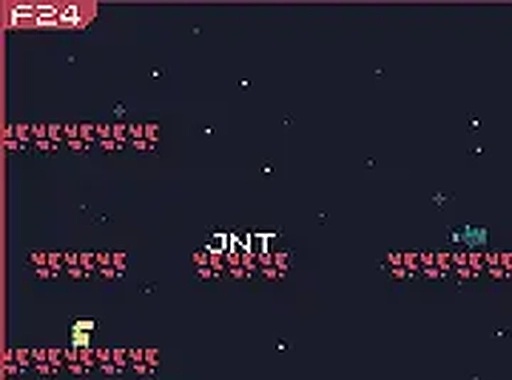
Typing as a Core Movement Tool
Keyboard Planet Puzzle does not treat typing as a side activity. The keyboard is your only input device, and every obstacle demands a specific letter or short word before it disappears. You move across the terrain, then stop to type the required sequence. Some barriers appear while you are mid-jump or while moving hazards close in, so the game regularly asks you to split attention between navigation and accurate typing.
Progression Through Speed and Sequence Length
Early stages stick to single letters and brief words. As you advance, the game lengthens the required sequences and speeds up the moving obstacles. That combination raises the cost of a mistyped key. The difficulty curve is gradual, but later sections expect consistent accuracy rather than occasional bursts of speed. Players who need to look down at the keyboard will feel the pressure more than touch typists.
Pixel Art and Interface Design
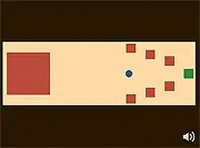
The visual style uses pixel art with distinct color palettes for different areas, ranging from rocky caves to alien forests. Background details change between zones, which helps break up the planet into recognizable regions. A clean interface shows on-screen prompts for the next keys to press, keeping the typing task visible without cluttering the play area. Full-screen mode is available for a more focused session.
Who This Suits and How to Access It
This is a desktop-only experience. A physical keyboard is required, and there is no mouse or touch support. The game runs directly in a browser with no installation. It suits players who enjoy educational puzzles, retro aesthetics, or typing practice wrapped in a light adventure structure. It is free to play, and the keyboard-only control scheme makes it easy to start without learning complex inputs.
Comments
0 comments