
Restoration Before Creativity
Phone Makeover Studio opens with a hands-on repair sequence. You follow on-screen prompts to wipe smudges from the device and fit a fresh screen into place. The steps are deliberately methodical: each action responds to a specific cue, and the sequence ends only when the phone is functional again. This structure gives the customization phase a clear starting point and a small sense of accomplishment before any color or accessory comes into play.
Color and Accessory Choices
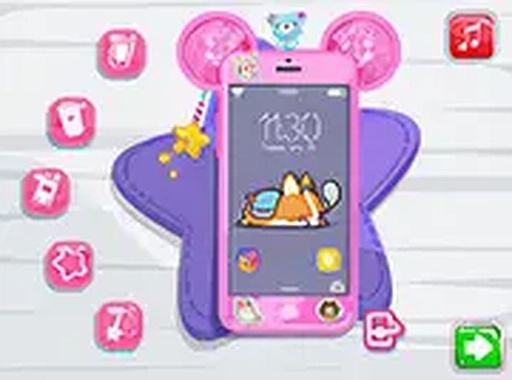
Once the phone works, a palette of base colors becomes available. You pick a hue for the device, then browse small accessories such as stickers and charms. Every selection changes the phone's appearance immediately, so you can compare combinations without committing to a final look. The system encourages experimentation rather than optimization—there is no scoring penalty for changing your mind.
Case Selection and Final Look
The last step is choosing a protective case. Several designs are offered, from simple patterns to more elaborate motifs. Flipping the phone reveals how each case fits around the body, helping you judge whether it complements your chosen color and accessories. Because the case is the final layer, it often determines whether the overall design feels cohesive or deliberately mismatched.
Controls and Session Pace
The interface uses straightforward prompts that work with both mouse and touch input, so the same game runs on a computer or a mobile device. No download is required, and a full-screen option is available for an uninterrupted view. With no timers or penalties, sessions can be as short as a few minutes or long enough to try multiple designs. The soft visuals and gentle pace make it easy to return to without relearning anything.





Comments
0 comments