Best Sudoku Puzzle Game Online
Runs in your browser — no download.
Reviews
The Best Sudoku in Russian 2 delivers a polished Sudoku experience with four difficulty modes that cater to all skill levels. The HTML5 version runs smoothly on any device, and the timer adds replayability without pressure. Beginners can learn at their own pace, while experts will find challenging puzzles. The interface is clean and distraction-free, making it a reliable choice for daily brain training.
Description
Game Introduction
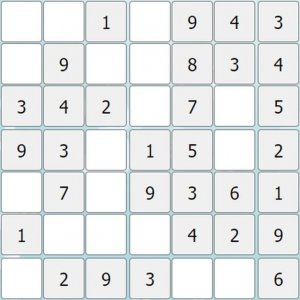
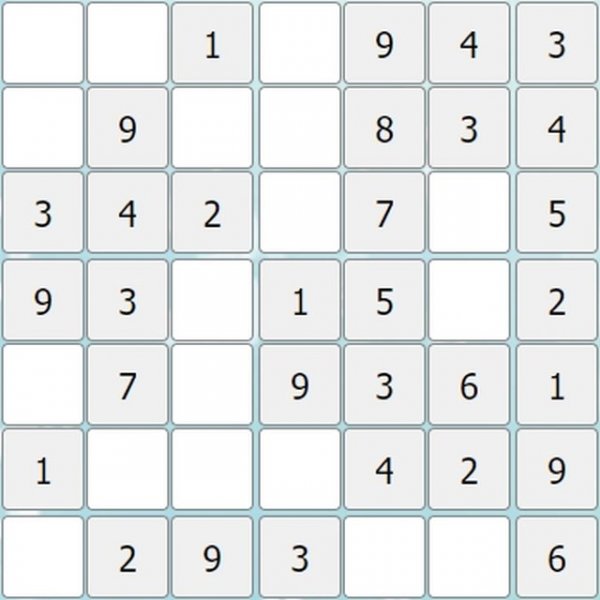
The Best Sudoku in Russian 2 is a classic number puzzle game designed for players of all skill levels. It follows traditional Sudoku rules: fill a 9x9 grid so that each column, row, and 3x3 zone contains the numbers 1 through 9 without repetition. Built with HTML5 technology, it runs smoothly on any modern browser across PC, mobile phones, and tablets. The clean interface and full-screen support make it easy to focus on the puzzle, while the timer adds a layer of excitement for those who want to test their speed. Whether you are new to Sudoku or looking to sharpen your skills, this game provides a relaxing yet engaging experience that is safe for all ages.
How to Play
To play, start by selecting one of four modes: easy, medium, hard, or expert. Beginners should start with easy mode to learn the rules without pressure, while experts can jump into the hardest challenges. After selecting a mode, a 9x9 grid appears, divided into nine 3x3 zones. The goal is to place numbers from 1 to 9 in every row, column, and zone, ensuring no number repeats in any of these sections. Below the grid, you will see numbers you can click to fill empty cells. Use your mouse or touchscreen to select a cell and then click the desired number. The game tracks your completion time, so you can try to improve your speed with each play. Remember the golden rule: no duplicates in any row, column, or zone.
Game Features
Game features include four difficulty modes, HTML5 technology for cross-device play, full-screen support for immersive focus, a timer to track your speed, and a family-friendly design suitable for all ages. The clean interface minimizes distractions, allowing you to concentrate on solving puzzles.
Tips for Success
Start with easy puzzles to get comfortable with the rules and logic. Look for rows, columns, or zones that already have many numbers filled in, as these are easier to complete. Use the process of elimination: if a number can only go in one cell in a row, column, or zone, place it there. Practice regularly to improve your speed and pattern recognition. Stay patient and take breaks if you feel stuck—sometimes a fresh perspective helps.